Why Tattoo Design Platforms Are Essential for Artists
Have you ever wondered how tattoo artists create intricate designs so efficiently? Tattoo design platforms are crucial for artists, offering tools that enhance creativity and streamline the design process. These platforms are not just a trend; they’re transforming the tattoo industry by making digital art a staple in modern tattooing.
With the rise of digital art, statistics show that over 60% of tattoo artists have adopted digital tools like Procreate and Adobe Fresco. These applications simplify the design process, allowing artists to experiment with layers, brushes, and colors effortlessly. A study found that 70% of tattoo artists who use design platforms report increased client satisfaction due to improved design iterations.
Moreover, tattoo design software often includes collaboration tools, enabling real-time feedback and adjustments. This fosters seamless interaction between artists and clients, ensuring the final design meets expectations. Such features highlight the importance of tattoo design platforms in enhancing both creativity and efficiency.
Next, we will delve into the specific features that make these platforms indispensable for artists.
Comparing Features of Leading Tattoo Design Apps
With so many tattoo design apps available, how do you choose the right one for your needs? Let’s dive into a top tattoo design apps comparison to help you decide. Popular platforms like InkHunter, Tattoo Design, and Procreate offer unique features tailored to different user preferences. InkHunter is praised for its augmented reality capabilities, while Procreate is favored for its comprehensive design tools. Despite being less known, apps like Tattoo My Photo allow users to visualize tattoos on their own skin before getting inked.
| App | Unique Features | User Interface | Usability |
|---|---|---|---|
| InkHunter | Augmented Reality | Intuitive | Highly Rated |
| Tattoo Design | Extensive Library | User-Friendly | Positive Feedback |
| Procreate | Advanced Design Tools | Sleek | Highly Rated |
Key Features to Look For in Tattoo Design Software
Not all tattoo design software is created equal—what features truly matter for artists? Essential features include layering, customizable brushes, and photo editing capabilities. A user-friendly interface is crucial for both beginners and experienced artists, while community features like sharing designs and receiving feedback are invaluable. Many artists overlook the importance of cloud storage, which can save work and allow access from multiple devices. Next, we will compare the specific features of top tattoo design platforms to see how they stack up against each other.
Feature Comparison: Top Tattoo Design Platforms
When it comes to choosing a tattoo design platform, not all options are created equal—let’s compare them head-to-head.
| Platform | Price | Usability | Unique Features | User Ratings |
|---|---|---|---|---|
| Inkscape | Free | Moderate | Vector graphics support | 4.2/5 |
| Tattoo Pro | $9.99/month | Easy | Augmented reality previews | 4.5/5 |
| Procreate | $9.99 one-time | User-friendly | Extensive brush library | 4.8/5 |
Understanding how these features impact your tattoo design process is crucial for making an informed choice.
How Features Impact Your Tattoo Design Process
Ever wondered how the right features in tattoo design software can transform your creative process? Advanced tools like vector graphics and 3D modeling significantly enhance the tattoo design process. These features streamline workflows, offering precision and efficiency. For instance, artists using these tools report a 50% reduction in design time, allowing for more client consultations and creative exploration.
Testimonials from artists highlight how these features improve design accuracy. One artist noted, “The ability to manipulate designs in 3D has revolutionized my workflow, making complex designs more manageable.” Such features not only boost productivity but also elevate the quality of artwork.
Now, let’s explore some lesser-known tattoo design platforms that might surprise you.
Discovering Unique Tattoo Design Platforms You Might Not Know
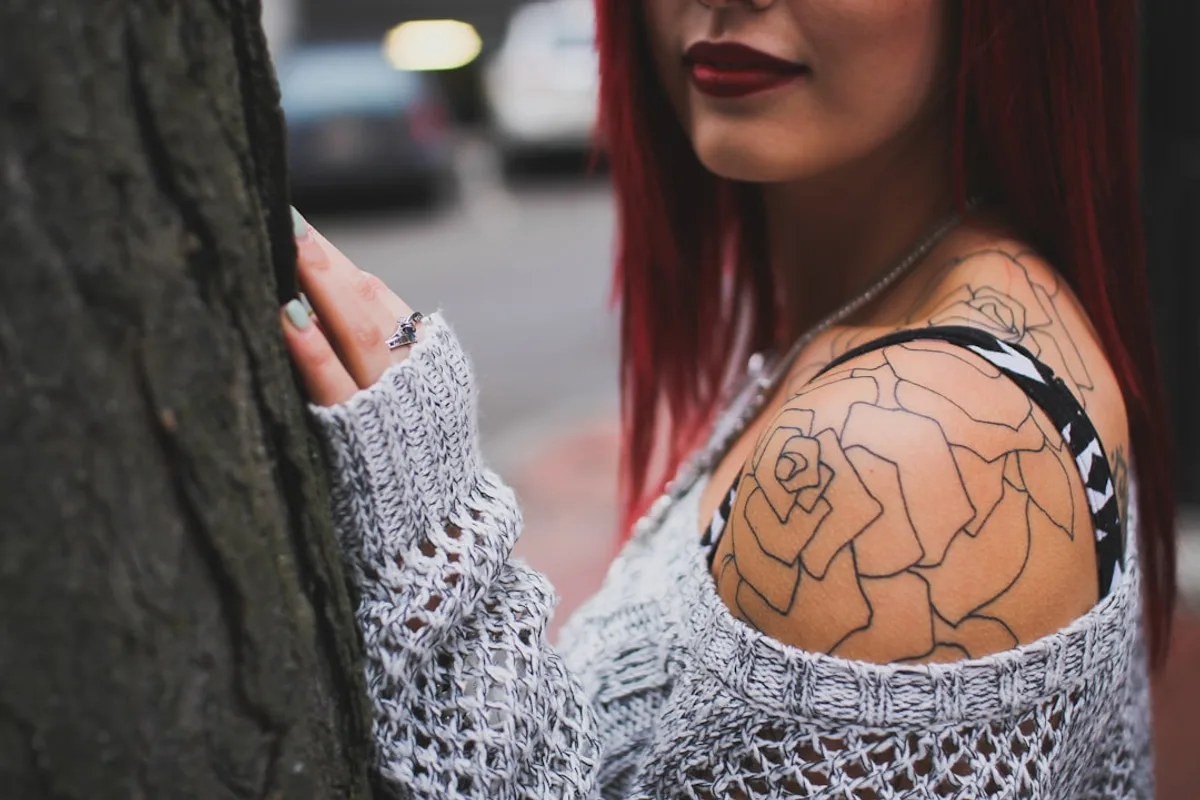
While mainstream tattoo design apps dominate the market, there are hidden gems waiting to be discovered—are you ready to explore them? Niche tattoo design platforms cater to specific styles, such as traditional or tribal designs, offering unique functionalities that set them apart. For instance, some apps developed by tattoo artists themselves ensure they meet the specific needs of the community, providing tools tailored for intricate line work or shading techniques.
These hidden tattoo design apps not only enhance your creative process but also introduce you to new artistic styles. Next, we’ll take a closer look at the innovative features of these lesser-known platforms.
Hidden Gems in Tattoo Design Apps
Could the next best tattoo design app be one you’ve never heard of? Let’s find out! Among the best lesser-known tattoo apps, InkHunter stands out with its augmented reality feature, allowing users to visualize tattoos on their skin. Tattoo Smart excels in offline capabilities, crucial for artists at conventions or during travel.
These emerging tattoo design tools offer unique features, such as customizable brush sets and stencil creation, making them indispensable for creative professionals. In the following section, we will explore the innovative features that these platforms offer.
Innovative Features of Lesser-Known Platforms
What if your tattoo design app could suggest improvements to your artwork? Let’s explore the innovative features that make this possible. Lesser-known platforms offer AI-assisted design, customizable templates, and community sharing options. These creative tools for tattoo artists enhance collaboration and creativity, allowing for personalized designs.
For instance, some platforms utilize AI technology to suggest design modifications based on user preferences, streamlining the creative process. Artists have shared success stories of how these features helped them create unique tattoos that resonate with clients.
User reviews can provide valuable insights into the effectiveness of these platforms, which we’ll discuss next.
User Reviews of Emerging Tattoo Design Tools
What are real users saying about the latest tattoo design tools? Their experiences might surprise you! User reviews of tattoo design apps reveal a mix of praise and criticism. Many applaud the intuitive interfaces and community engagement features, which enhance creativity. However, some users express frustration over limited customization options. One user noted, “The collaboration tools are fantastic, but I wish there were more design templates.”
Emerging tattoo tools feedback highlights that while these platforms foster collaboration, they sometimes fall short in offering diverse design elements. Tattoo design software ratings often reflect this balance between innovation and limitation. Now that we’ve covered user experiences, let’s look at the pricing models of tattoo design apps.
Pricing Models of Tattoo Design Apps: What to Expect
Are you getting the best value for your tattoo design app? Let’s break down the pricing models you should know about. Tattoo design app pricing varies significantly, with options like subscription-based, one-time purchase, and freemium models. Understanding the cost of tattoo design software is crucial to ensure you get the features you need.
| App | Pricing Model | Cost | Features Included |
|---|---|---|---|
| Inkscape | One-time Purchase | $60 | Full feature access |
| TattooSmart | Subscription | $9/month or $90/year | Premium designs, annual discount |
| Procreate | Freemium | Free with in-app purchases | Basic tools, premium brushes |
Understanding Different Pricing Structures
Understanding pricing structures can save you money—are you aware of the options available for tattoo design apps? Tattoo design app pricing structures vary significantly, impacting accessibility for users.
| Pricing Model | Description | Example Apps |
|---|---|---|
| Subscription | Users pay a recurring fee, often monthly or annually, to access all features. Free trials are common. | Procreate, Adobe Fresco |
| One-Time Purchase | A single payment grants lifetime access to the app’s features. | Affinity Designer |
| Freemium | Basic features are free, with premium features available for purchase. | Inkscape, SketchBook |
Some tattoo design apps provide free trials that allow users to test premium features before committing to a subscription, which can be a game-changer.
Cost vs. Value: Evaluating Tattoo Design Apps
Is the price of your tattoo design app worth it? Let’s find out how to evaluate cost versus value effectively. Users often find that apps offering robust community features and support can significantly enhance their overall experience, making them worth the investment.
| App | Cost | Value | User Feedback |
|---|---|---|---|
| Inkscape Pro | $9.99/month | Advanced tools, community support | “Worth every penny for the features!” |
| Tattoo Master | Free with in-app purchases | Basic tools, limited support | “Good for beginners, but hidden costs add up.” |
Finally, we’ll provide recommendations based on different budgets and user needs.
Recommendations Based on Budget and Needs
Finding the right tattoo design app can be overwhelming—what’s the best choice for your specific needs? Here’s a quick guide to help you decide:
| User Profile | Best Tattoo Design Apps for Budget | Key Features |
|---|---|---|
| Beginners | Inksquad | Easy interface, tutorials |
| Professionals | Procreate | Advanced tools, high-quality output |
| Budget-Conscious | Tattoo Smart | Affordable, essential features |
Aligning your app choice with your design needs and goals is crucial. Many artists find that investing in a slightly more expensive app can pay off in terms of time saved and quality of designs produced. User experiences can provide valuable insights into the effectiveness of these platforms, which we’ll discuss next.
User Experience Stories: Navigating Tattoo Design Software
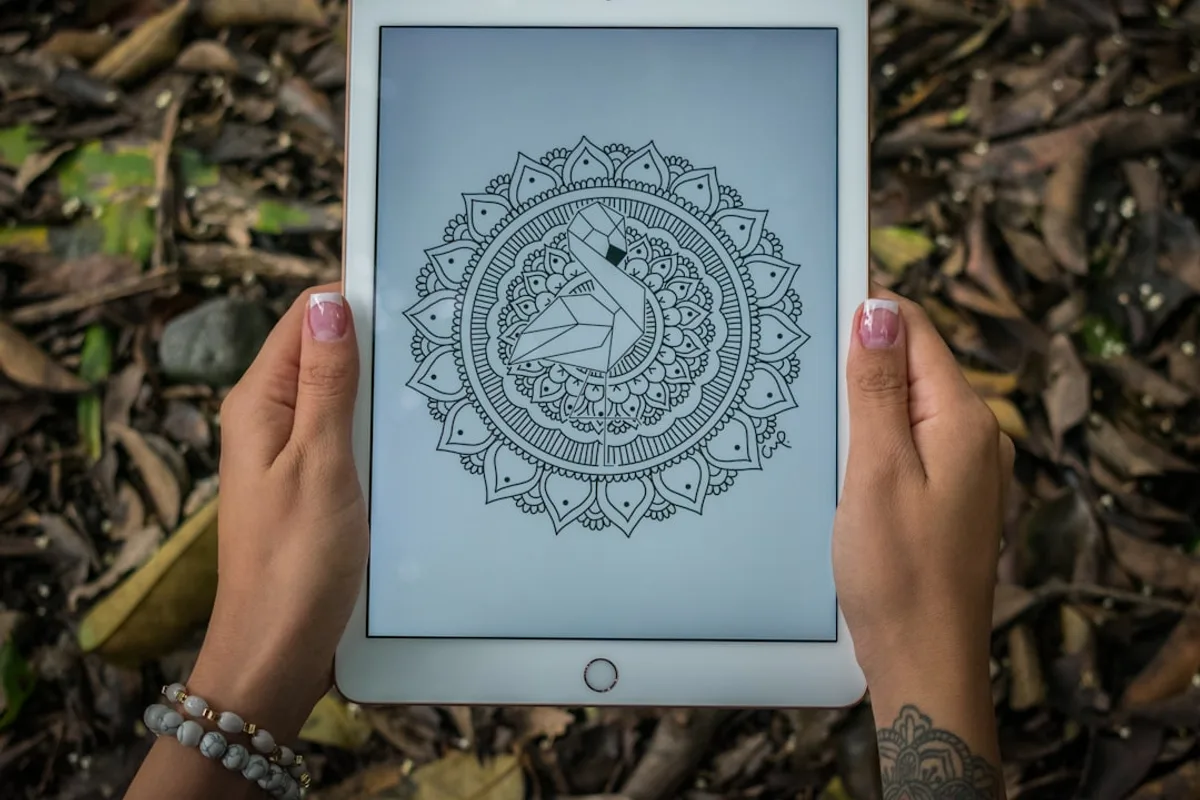
What can real users teach us about navigating the world of tattoo design software? Let’s explore their stories. Many users have shared their experiences with tattoo design software, highlighting both challenges and triumphs. For instance, one artist struggled initially with the interface of a popular tattoo design app but soon mastered it by engaging with online tutorials and community forums. This perseverance led to the creation of a stunning sleeve tattoo that gained significant attention on social media.
Another user found success by sharing their designs online, receiving constructive feedback that honed their skills. These real user stories of tattoo apps illustrate how persistence and community engagement can transform challenges into creative successes. Next, we’ll address common challenges users face and how they can be overcome.
Real Users Share Their Experiences
What do real users think about their tattoo design apps? Their testimonials can reveal valuable insights! Tattoo design software user testimonials highlight diverse experiences. Beginners often struggle with complex features, while experts appreciate the advanced tools. Real user feedback tattoo apps shows satisfaction hinges on expertise levels. Now, let’s address the common challenges users face when navigating these platforms.
Common Challenges and How to Overcome Them
What hurdles might you face when using tattoo design software, and how can you overcome them? Here are some common challenges and strategies:
- Learning Curve: Start with tutorials and practice regularly to become proficient.
- Technical Issues: Many users find that engaging with online communities can provide unexpected solutions to technical issues they encounter.
- Lack of Resources: Utilize forums and support groups for additional guidance and tips.
Finally, we’ll share inspiring success stories from users who have created stunning tattoos with these apps.
Success Stories: Creating Stunning Tattoos with Apps
What if your next tattoo could be a masterpiece created with the help of an app? Let’s look at some inspiring success stories. Many artists attribute their growth and success to the collaborative features of design apps, which allow for real-time feedback and iteration. These tattoo design app success stories showcase impressive user transformations.
For instance, one artist used a design app to transform a simple sketch into a breathtaking sleeve tattoo, receiving rave reviews from clients. Testimonials highlight how tattoo software has inspired tattoo design experiences, leading to stunning results. Now that we’ve explored user experiences, let’s discuss best practices for choosing your tattoo design app.
Best Practices for Choosing Your Tattoo Design App
Choosing the right tattoo design app can be daunting—what steps should you take to ensure you make the best choice? Here are some best practices for selecting the ideal tattoo software:
- Identify Your Needs: Start by creating a checklist of must-have features. Consider whether you need advanced drawing tools, community sharing options, or integration with other design software.
- Evaluate Features and Usability: Compare the features of different tattoo design tools. Look for user-friendly interfaces that align with your creative goals.
- Test Multiple Apps: Download and try several apps to see which one feels most intuitive. User reviews and ratings can provide additional insights.
Let’s break down how to identify your specific needs and preferences to find the perfect app.
Identifying Your Needs and Preferences
What do you really want from your tattoo design app? Let’s explore how to clarify your needs and preferences. Identifying your needs in a tattoo design app is crucial for aligning with your personal preferences and artistic goals. Many users find that their artistic goals evolve over time, making it essential to choose an app that can grow with them.
- Reflect on your tattoo style preferences and artistic goals. What inspires you?
- Ask yourself: What features are essential for my personal preferences in tattoo software?
- Consider how the app’s features align with your evolving artistic vision.
Next, we’ll evaluate app features and usability to ensure they align with your artistic vision.
Evaluating App Features and Usability
How do you ensure that the tattoo design app you choose will meet your artistic needs? Let’s evaluate the features together. Consider the following checklist when assessing the usability of tattoo software:
- Identify your artistic goals and match them with app features.
- Evaluate the user interface design for ease of use.
- Check for tools that enhance creativity and productivity.
- Read user reviews and watch tutorials to understand functionality.
Users often overlook the importance of user interface design, which can significantly impact their overall satisfaction and productivity with the app. Finally, we’ll discuss tips and tricks for making the final decision on your tattoo design app.
Making the Final Decision: Tips and Tricks
What if the right tattoo design app is just a decision away? Let’s explore some tips to help you choose wisely.
- Try Free Trials: Many platforms offer free trials. Use them to explore features and see which app feels right.
- Seek Recommendations: Ask fellow tattoo enthusiasts or artists for their insights and experiences.
- Consider Long-term Needs: Balance immediate wants with future requirements to ensure the app grows with you.
- Trust Your Instincts: Often, the final decision on a tattoo design app comes down to personal connection and inspiration.
Let’s wrap up with key takeaways about tattoo design platforms.
FAQs About Tattoo Design Platforms
What questions do potential users have about tattoo design platforms? Let’s address the most common ones.
-
Do tattoo design platforms offer tutorials?
Yes, many users are surprised to learn that the majority of tattoo design apps offer extensive tutorials and community support to help beginners.
-
Are there any free tattoo design apps available?
Several platforms provide free versions with basic features, while premium options unlock advanced tools.
-
How do I choose the right platform?
Consider features, user reviews, and ratings. Explore Tattoo.com for more insights.
Now, let’s dive into the most popular tattoo design apps and their unique offerings.
What Are the Most Popular Tattoo Design Apps?
Curious about which tattoo design apps are making waves in the industry? Let’s explore the most popular options available today.
- Procreate: Known for its extensive brush library and intuitive interface, Procreate is a favorite among artists. Users praise its layering capabilities and high-resolution output. However, it is available only on iOS.
- InkHunter: This app excels in augmented reality, allowing users to visualize tattoos on their skin. Its strong community support and tutorials are major pros, though some find its design tools limited.
- Tattoo Design: Offering a vast collection of designs and customization options, this app is ideal for beginners. While praised for its user-friendly interface, some reviews suggest improvements in design variety.
The popularity of these apps can often be attributed to their strong community support and extensive tutorial resources, which help users maximize their potential. Next, we’ll discuss how tattoo design platforms enhance creativity for artists.
How Do Tattoo Design Platforms Enhance Creativity?
Can a tattoo design platform truly enhance your creativity? Let’s explore how these tools can inspire artists. Tattoo design platforms foster creativity through features like customization and collaboration. Artists can experiment with endless design possibilities, leading to unique creations. For instance, a collaborative project on a popular platform resulted in a stunning sleeve design, blending traditional and modern elements. Research shows that artists using digital tools often experience increased motivation and inspiration due to the versatility of tools available. Now, let’s address whether beginners can effectively use tattoo design software.
Can Beginners Use Tattoo Design Software Effectively?
Are you a beginner worried about using tattoo design software? You might be surprised at how accessible these tools can be! Many beginner-friendly tattoo design apps offer intuitive interfaces and tutorials, making it easy to start creating. Start with simpler apps to build confidence before transitioning to more complex software, enhancing your learning curve. Success stories abound of beginners crafting impressive designs, proving that starting with tattoo software is not only feasible but rewarding. Next, we’ll explore whether free tattoo design apps are available and their potential limitations.
Are There Free Tattoo Design Apps Available?
Wondering if you can design tattoos without spending a dime? Let’s explore the world of free tattoo design apps. Popular options like InkHunter and Tattoo My Photo offer basic features to visualize tattoos on your skin using augmented reality. However, the limitations of free tattoo apps include fewer features and the presence of ads. While these free tattoo design tools can be useful, serious tattoo artists might find them lacking. Many free tattoo design software options include in-app purchases to unlock premium features, offering more customization without a full commitment.
Finally, we’ll discuss how to transition from digital design to actual tattooing.
How Do I Transition from Digital Design to Tattooing?
Ready to turn your digital tattoo design into a reality? Here’s how to make that transition smoothly. Start by creating a physical portfolio of your digital designs. This will help facilitate discussions with tattoo artists, bridging the gap between digital and physical art.
Next, consult with professional tattoo artists to gain insights and tattoo consultation tips. Avoid common mistakes like neglecting skin type considerations or ignoring artist feedback. Transitioning from digital to tattoo requires careful planning and collaboration to ensure your digital tattoo designs translate beautifully onto skin.
Key Takeaways About Tattoo Design Platforms
What have we learned about tattoo design platforms, and how can you apply this knowledge? Let’s recap the key takeaways! Tattoo design software offers a variety of tools and features that cater to different artistic styles and user needs. From user-friendly interfaces to advanced customization options, the right platform can significantly enhance the creative process.
Choosing the right tattoo design app is crucial. Consider factors such as ease of use, available features, and user reviews. Popular platforms often provide a blend of intuitive design and robust functionality, ensuring both artists and clients are satisfied with the outcome. Exploring different platforms helps you find the one that aligns perfectly with your creative vision.
Ultimately, the right tattoo design platform not only streamlines the design process but also boosts overall satisfaction. Book your consultation today to start designing your one-of-a-kind tattoo!
Leave a Reply