How Tattoo Design Tools Are Revolutionizing Artistry
Tattoo design tools are reshaping the landscape of tattoo artistry. These tools enable real-time collaboration between artists and clients, allowing for personalized designs that reflect individual stories more accurately than traditional methods.
The evolution of tattoo artistry through digital platforms and software has been profound. Artists now use versatile apps like Adobe Fresco for detailed sketches and Procreate for on-the-go design. This technology impacts traditional practices by offering new ways to visualize and plan tattoos. For instance, InkHunter uses augmented reality to project designs onto the body, enhancing the artist-client relationship with innovative previews.
Community-driven platforms like the Tattoo Design App foster collaboration among enthusiasts, while professional-grade software such as CorelDRAW provides advanced features for seasoned artists. These digital tattoo design innovations are transforming how art is both created and shared.
AI Generators and Apps: Transforming Tattoo Design
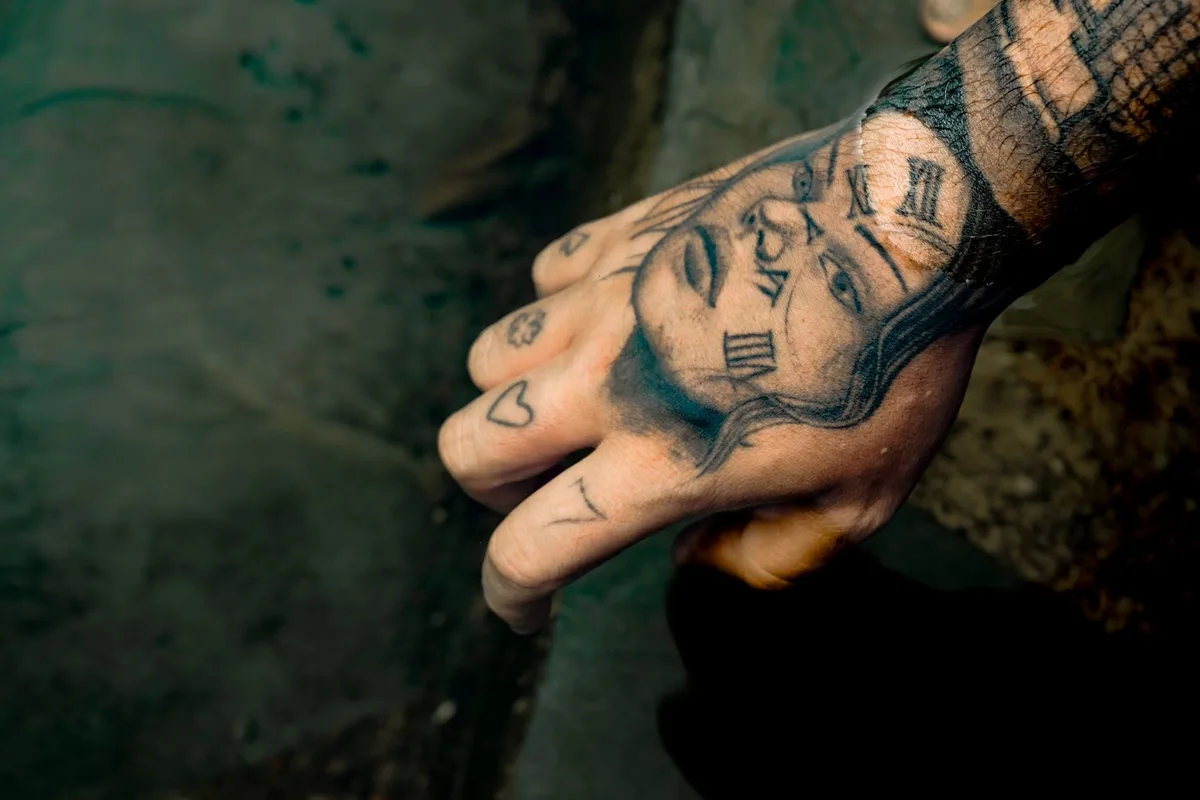
AI technology is revolutionizing tattoo design, offering artists innovative tools to create unique and personalized artwork. AI tattoo generators analyze user preferences and styles, producing unique tattoo concepts that might not be conceived through traditional sketching alone. Apps such as Procreate, a popular drawing app for iPad, and Adobe Fresco, a versatile design app for artists, are favored for their extensive features. Meanwhile, community-driven platforms like Tattoo Design App allow users to share and collaborate on designs, enhancing creativity through collective input.
For more insights, explore how testimonials enhance tattoo artistry.
The Role of AI in Modern Tattoo Design
The role of AI in tattoo design extends beyond mere automation; it enhances creativity and offers fresh perspectives to artists. AI algorithms can generate unique tattoo designs based on user preferences and previous artworks, providing a starting point for artists. However, AI often lacks the nuanced understanding of cultural symbolism that human artists bring to their work.
While AI tools assist in brainstorming and refining concepts, they do not replace the creativity of human artists. For instance, Canva’s AI tattoo generator allows users to visualize their ideas quickly, yet the emotional and cultural significance of tattoos remains best captured by skilled artists. For those seeking guidance on finding the right artist, consider this comprehensive guide.
Popular Apps for Tattoo Design
With a plethora of tattoo design apps available, artists can now create stunning designs directly from their mobile devices. Tattoo My Photo offers a user-friendly interface perfect for beginners, while Inkscape provides advanced tools for experienced artists. Mobile apps like Procreate offer on-the-go convenience, whereas desktop software like CorelDRAW delivers extensive features for intricate designs.
Advantages of Using AI in Tattoo Artistry
The advantages of using AI in tattoo design are profound, from streamlining the creative process to enhancing client satisfaction. AI tools not only speed up the design process but also enhance client engagement by allowing them to visualize their tattoos in various contexts before committing. Artists can experiment with different styles effortlessly, while clients can see designs projected on their bodies using augmented reality, as seen with InkHunter. This collaborative approach fosters a more interactive and satisfying experience for both parties.
Free vs. Paid Tattoo Design Tools: A Comprehensive Comparison
Understanding the differences between free and paid tattoo design tools can significantly impact an artist’s workflow and output quality. Free tools like Canva offer accessibility for beginners, but they often lack advanced features. In contrast, paid software such as CorelDRAW provides extensive functionalities that can elevate an artist’s work to a professional level.
| Feature | Free Tools (e.g., Canva) | Paid Tools (e.g., CorelDRAW) |
|---|---|---|
| Accessibility | Easy for beginners | Requires learning curve |
| Advanced Features | Limited | Extensive |
| Long-term Value | Sufficient for simple designs | Ideal for professionals |
Features to Consider in Tattoo Design Tools
Selecting the right tattoo design tool requires careful consideration of features that enhance both creativity and usability. Choosing the right tattoo design tool hinges on balancing user-friendliness with advanced features that cater to an artist’s specific needs.
| Feature | Importance |
|---|---|
| User Interface | Ensures ease of use for both beginners and professionals. |
| Design Templates | Offers a variety of styles to jumpstart creativity. |
| Export Options | Facilitates seamless integration with other software. |
| Compatibility | Supports various devices for a flexible workflow. |
| Community Support | Provides access to resources and shared designs. |
Pros and Cons of Free Tattoo Design Tools
Free tattoo design tools offer a great starting point for beginners, but they come with limitations that may affect the quality of designs. While they are accessible and easy to use, they often lack the depth needed for complex designs, hindering artistic growth.
| Pros | Cons |
|---|---|
| Accessible for beginners | Limited features |
| Ease of use | Lower quality outputs |
Popular free tools like Canva’s AI tattoo generator are perfect for simple concepts, while BlackInk helps with placement ideas.
Benefits of Investing in Paid Tattoo Design Software
Investing in paid tattoo design software can elevate an artist’s work from amateur to professional, unlocking new creative possibilities. These tools offer advanced features that enhance design quality and improve client satisfaction. Professional growth is achievable with the right investment, as illustrated by artists who have successfully transitioned using paid software.
| Feature | Free Tools | Paid Software |
|---|---|---|
| Design Quality | Basic | Advanced |
| Creative Tools | Limited | Extensive |
| Client Satisfaction | Variable | High |
| Professional Growth | Slower | Faster |
Getting Started: User Guides and Popular Tattoo Styles
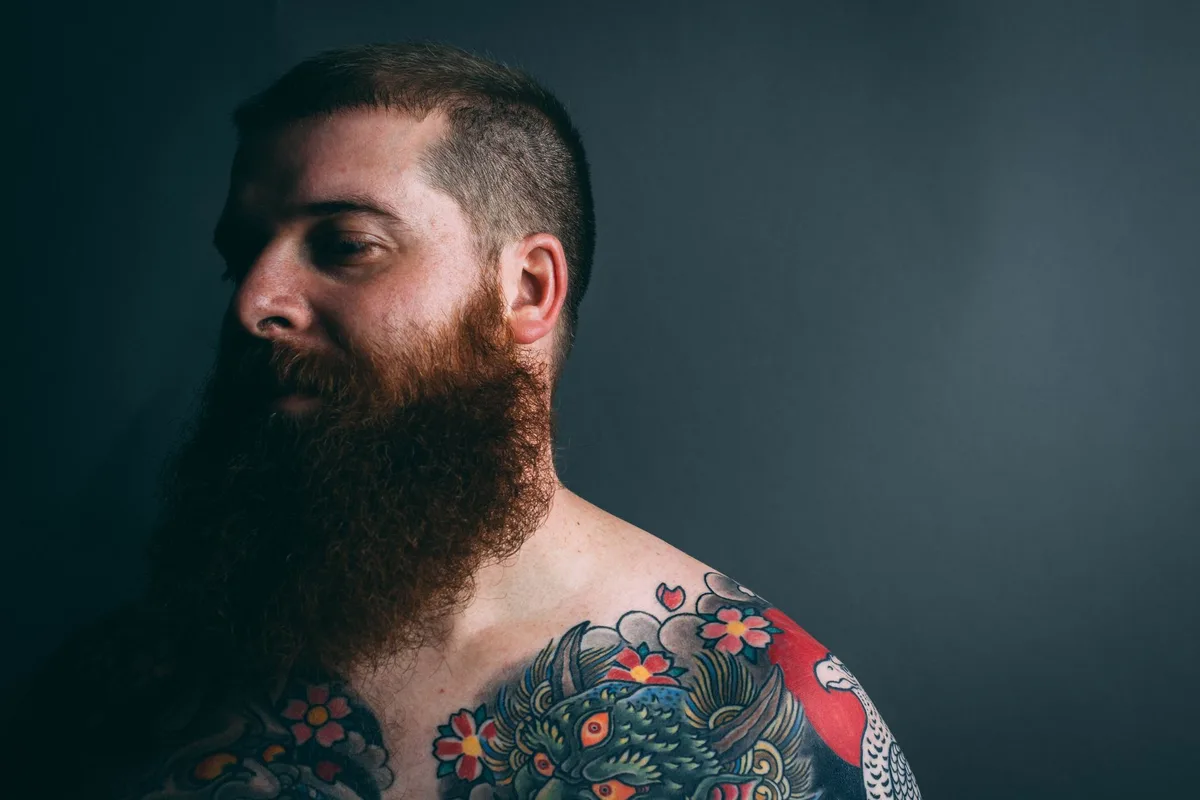
Getting started with tattoo design software can be an exciting journey, especially with the right guidance and resources. A structured approach to using tattoo design software can empower beginners to create personalized designs that resonate with their unique stories and preferences. Here’s a beginner tattoo design guide to help you navigate:
- Choose a design tool that suits your needs. For detailed sketches, Adobe Fresco is ideal, while Canva offers a user-friendly interface for simple concepts.
- Explore popular tattoo styles like tribal, watercolor, and geometric. Use the software to visualize these styles.
- Create a cohesive design by incorporating elements that reflect your personal stories and styles.
For additional inspiration, try free online tattoo design tools or AI tattoo generators to visualize your ideas quickly.
Beginner’s Guide to Using Tattoo Design Software
For beginners, mastering tattoo design software can open up a world of creative possibilities, starting with the basics. Here’s a simple guide to get you started:
- Install your chosen tattoo design software and explore its basic functions.
- Navigate the interface, utilizing design templates to kickstart your creativity.
- Experiment with different tools and features to discover your unique style.
Focusing on core functionalities while gradually exploring advanced features simplifies the journey of using tattoo design software for beginners.
Exploring Popular Tattoo Styles with Design Tools
Exploring popular tattoo styles through design tools can inspire creativity and lead to unique, personalized artwork. Here’s how you can use these tools:
- Visualize traditional, tribal, and watercolor styles using Adobe Firefly or Canva’s AI tattoo generator.
- Experiment with blending styles in Procreate for on-the-go design.
- Utilize CorelDRAW for advanced features to create detailed variations.
- Collaborate on unique designs using the Tattoo Design App community platform.
Tips for Creating Your First Tattoo Design
Creating your first tattoo design can be both exciting and daunting, but with the right tips, you can craft something truly special. Here are some practical steps to guide you:
- Brainstorm Ideas: Start by sketching rough concepts. Use tools like Canva’s AI tattoo generator for inspiration.
- Collaborate with Artists: Work with experienced tattoo artists to refine your ideas and ensure they are feasible.
- Seek Feedback: Share your designs with friends or online communities to gather constructive feedback and iterate on your design.
Success Stories: How Tattoo Design Tools Transformed Creations
Success stories from tattoo artists illustrate the profound impact that design tools can have on creativity and client relationships. Artists have used platforms like Adobe Fresco and Procreate to enhance their portfolios, crafting unique tattoos that were once unimaginable. For example, a tattoo artist might use Canva’s AI tattoo generator to visualize intricate designs quickly, boosting client satisfaction. These tools have not only improved individual artistry but also fostered a community of innovation, allowing artists to push creative boundaries and explore new styles. The impact of design tools on tattoo art is undeniably transformative.
Artists Who Elevated Their Work with Design Tools
Many tattoo artists have transformed their work through innovative design tools, setting new standards in the industry. By integrating apps like Procreate and Adobe Fresco, artists have developed unique styles that resonate with clients. For instance, using Canva’s AI tattoo generator, they create successful tattoo designs that push creative boundaries.
Unique Tattoos Brought to Life by Technology
Technology has enabled artists to create some of the most unique tattoos, blending creativity with personal storytelling. Personalized tattoos with design tools like Canva’s AI tattoo generator allow clients to visualize their narratives in ways previously unimaginable. These tattoos often tell personal stories, with client collaboration playing a crucial role in their creation.
FAQs About Tattoo Design Tools and Copyright Concerns
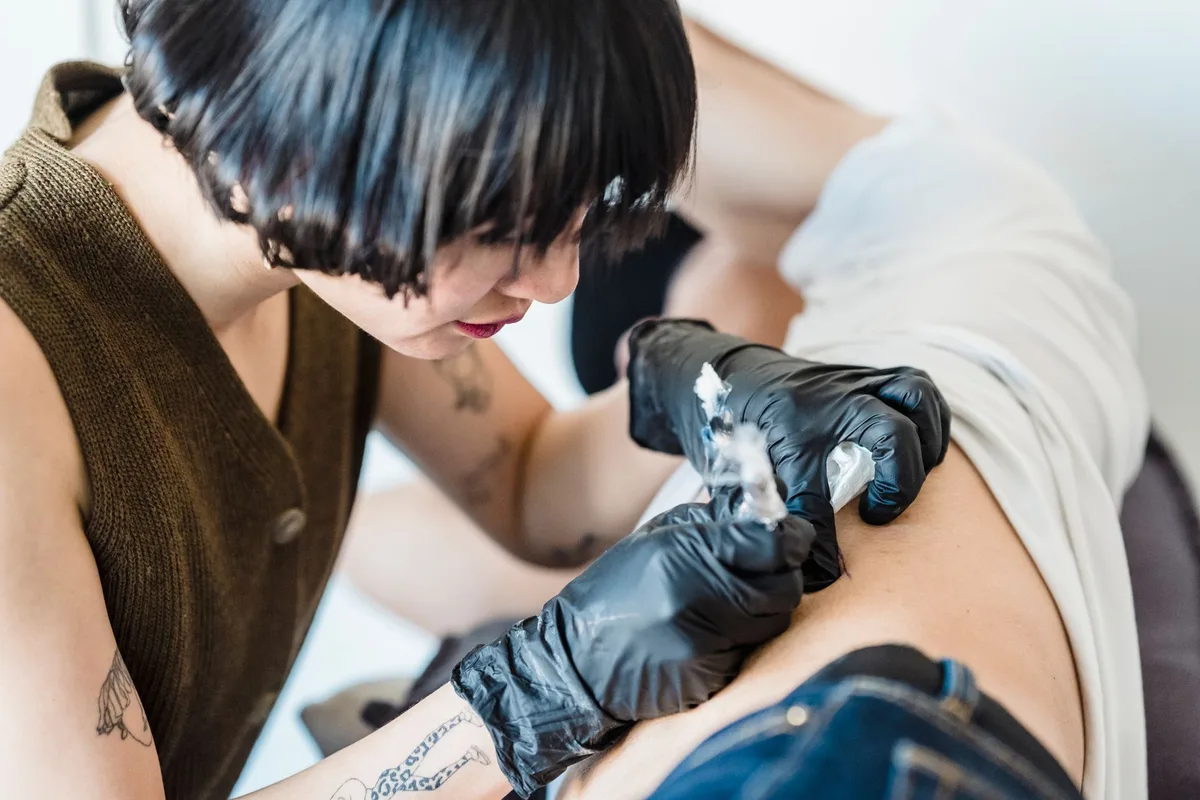
Copyright issues in tattoo design can be complex, especially with the rise of digital tools that facilitate design creation. Tattoo designs created with tools are protected by copyright if they are original works. It’s crucial to understand tattoo design copyright to protect your work and avoid legal issues.
When using templates or stock images in tattoo art, copyright concerns in tattoo art arise, as these elements may not be original. To protect tattoo designs, ensure your creations are unique and consider seeking legal advice if uncertain about copyright issues. For more information on copyright, visit Canva’s AI tattoo generator.
Are Tattoo Designs Created with Tools Protected by Copyright?
For beginners, selecting the right tattoo design tools can make all the difference in creating a meaningful and personalized tattoo. Among the best tattoo design tools for beginners are Canva and Tattoo Design App. These beginner-friendly tattoo software options offer intuitive interfaces and robust community support, making the design process accessible and enjoyable for newcomers. Features like AI tattoo generators and virtual try-ons cater specifically to those preparing for their first tattoo, enhancing the overall design experience.
What Are the Best Tattoo Design Tools for Beginners?
For beginners, selecting the right tattoo design tools can make all the difference in creating a meaningful and personalized tattoo. Canva and the Tattoo Design App are excellent choices for newcomers. These beginner-friendly tattoo software options offer user-friendly interfaces and robust community support, enhancing the design experience. Canva’s free AI tattoo generator simplifies creating simple concepts, while Tattoo Design App facilitates collaboration among enthusiasts. Choosing the right tools can make the process accessible and enjoyable for first-time users.
How Do I Choose Between Free and Paid Tattoo Design Software?
Deciding between free and paid tattoo design software can be challenging, but understanding your needs can guide your choice. Consider your budget, the features you require, and your long-term goals. Free tools, like Canva’s AI tattoo generator, may suffice for casual users. In contrast, professionals might benefit from investing in comprehensive options like CorelDRAW. For instance, a hobbyist might prefer free online tools, while a professional artist could find Adobe Fresco invaluable for detailed sketches.
Can AI Tools Replace Human Creativity in Tattoo Design?
The debate over whether AI can replace human creativity in tattoo design raises important questions about the essence of artistry. While AI tools, such as Canva’s AI tattoo generator, offer inspiration and efficiency, they lack the emotional depth and personal touch inherent in human artistry. AI can enhance the design process, but it cannot replace the unique emotional connection and storytelling that human artists bring to their work. Human oversight remains crucial to ensure authenticity and connection in tattoo designs.
Key Takeaways About Tattoo Design Tools
The evolution of tattoo design tools marks a new era in artistry, where technology and creativity converge to create personalized experiences. These tools offer significant benefits for both artists and clients, enhancing creativity and personalization in tattoo artistry. For artists, platforms like Adobe Fresco and Procreate provide versatile and mobile design solutions, while CorelDRAW offers extensive features for advanced designs. Clients can visualize their tattoos with augmented reality apps, ensuring satisfaction before the ink meets the skin.
Embracing tattoo design tools not only empowers artists but also enriches the client experience, fostering deeper connections through personalized art. Explore various tools, from free online options to professional-grade software, to find what best suits your artistic needs. Book your consultation today to start designing your one-of-a-kind tattoo!
Leave a Reply